Request from one person
Make a link or QR code for one person. They can send you up to 5 photos, and the link lasts an hour.


The person holding the camera doesn’t need Snaparoo, an account, or your number. You still get the photo.
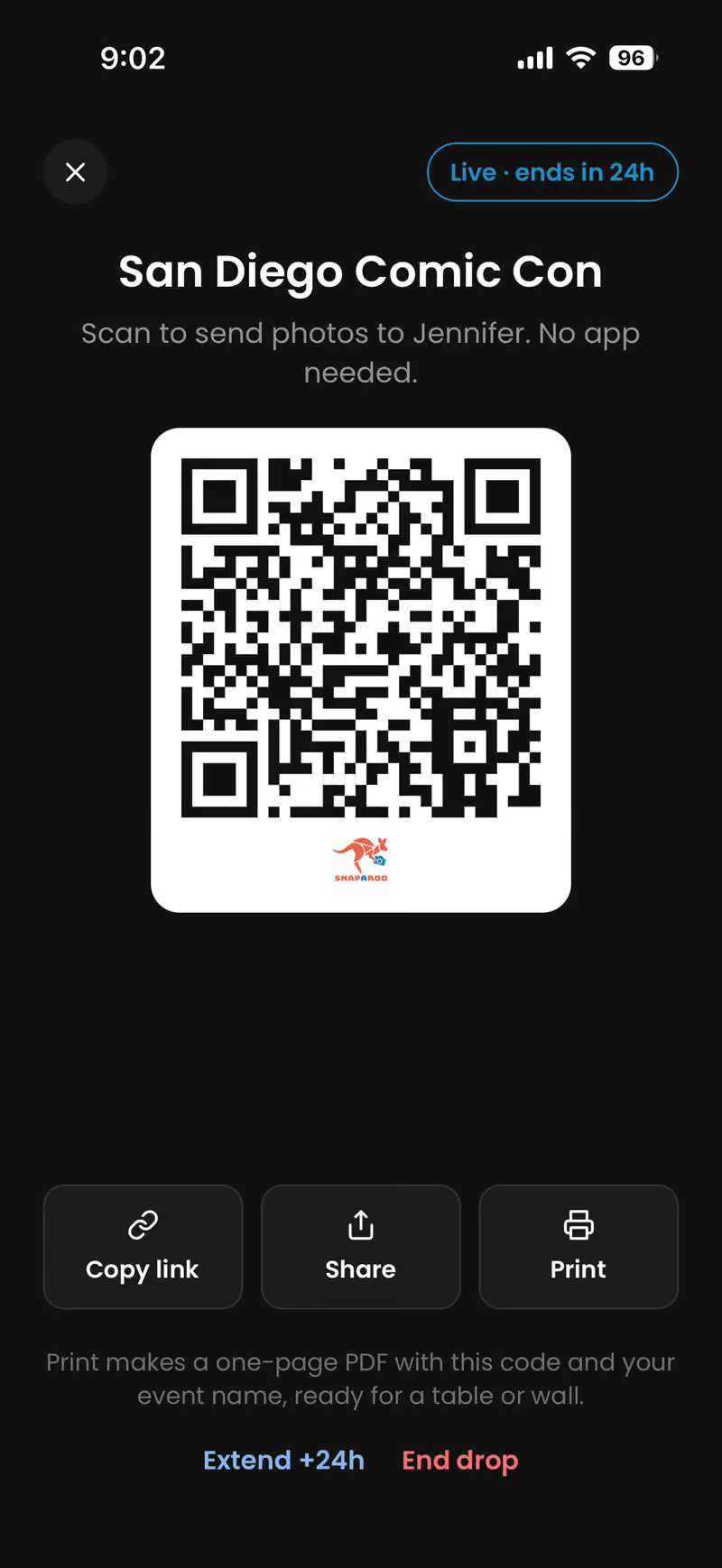
Make a link or QR code for one person. They can send you up to 5 photos, and the link lasts an hour.
Start a live event for a party, game or trip. Show the QR code, print it, or share the link. Everyone adds their photos until you end the event or it runs out (24 hours to start, up to 7 days). Watch them come in live.
In Snaparoo, tap Request and choose where the photos go.
Show the code, send the link, or pass your phone. It opens a camera page in any phone browser.
Photos go straight to you, into the album you chose. Nothing stays on their phone unless they save it.
Guests can only add photos. They can’t see your other photos, can’t browse your albums, and don’t stay signed in.
Snaparoo is free on iPhone. Or use it in any browser.